


What is JIRA and why do you need to learn it?
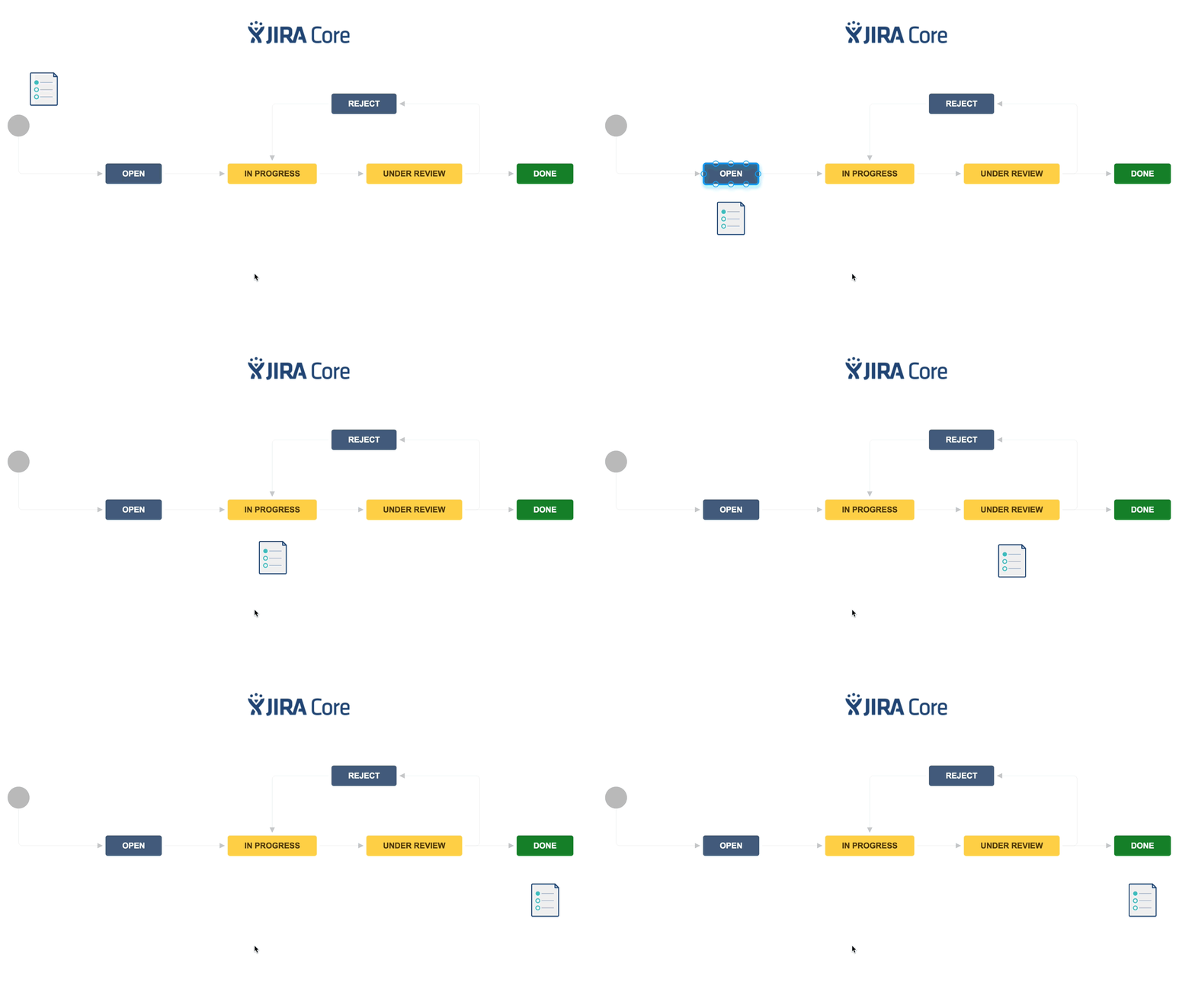
Jira is an issue tracking software which is used to track and communicate issues of a project during the testing phase. By signing in with their Jira accounts, clients can add, track and discuss issues with the project team.
It is a transparent way to organize work and keep a record of issue details for teams that are looking for Jira for issue tracking. So less email searching to find some context from before.
We create clients’ own Jira boards and keep the process simple so the software is easy to learn Knowing how to communicate with Jira in simple terms can help make testing more organized and effective.
How to Get Started With Jira?
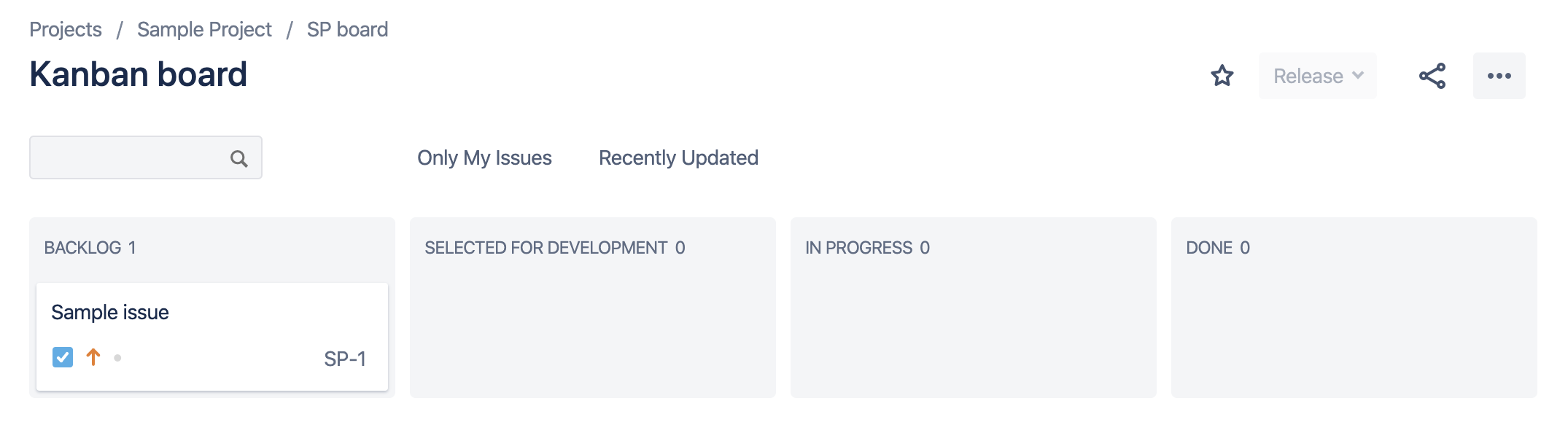
You’ll receive an email invitation from Atlassian to set up your Jira account. After logging in, your project board is under the “Projects” item in the main menu. Select the project to see the board and file or track issues while testing.
_1.png)
Jira issue tracking system has boards that contain columns such as:
Backlog → Selected for Development → In Progress → Review → Done
The columns can differ from project to project.
New issues are added by default to the Backlog or To Do column. The team reviews them, approves issues for development, moves them to Selected for Development and assigns them to a team member.
Issues should be entered into Jira as soon as they are found so they can be resolved in the time-frame of the testing. You can follow the progress of individual issues across the board and communicate through the comments section. @notify a team member in the project description or comments
For clarity, clients should not move issues themselves unless they are moving a completed issue into Done . Communication is also best when there is one member of the client team who is the main point of contact, to avoid confusion and duplicate communication.
How to Create Issues in Jira
To open a new issue:
In the top menu, click the Create button. Or in the first column of the Jira board, click + Create Issue.
In the Summary field, type the name of the issue. The summary should be a short title, not a detailed description.
Click Create.
Open the new issue and enter the details in the Description editor below the title.
How to Communicate Your Issues
Clear issue details accelerate team understanding and problem resolution. That’s particularly true if you’re using Jira issue tracking for software testing.
When submitting an issue, include:
How to reproduce the problem
Expected behaviour
Related pages / content links
Screenshots or video
Browser details
Operating system
Device information
This information allows the team to diagnose and repair the problem.
_1.png "sample-issue-(1).png")
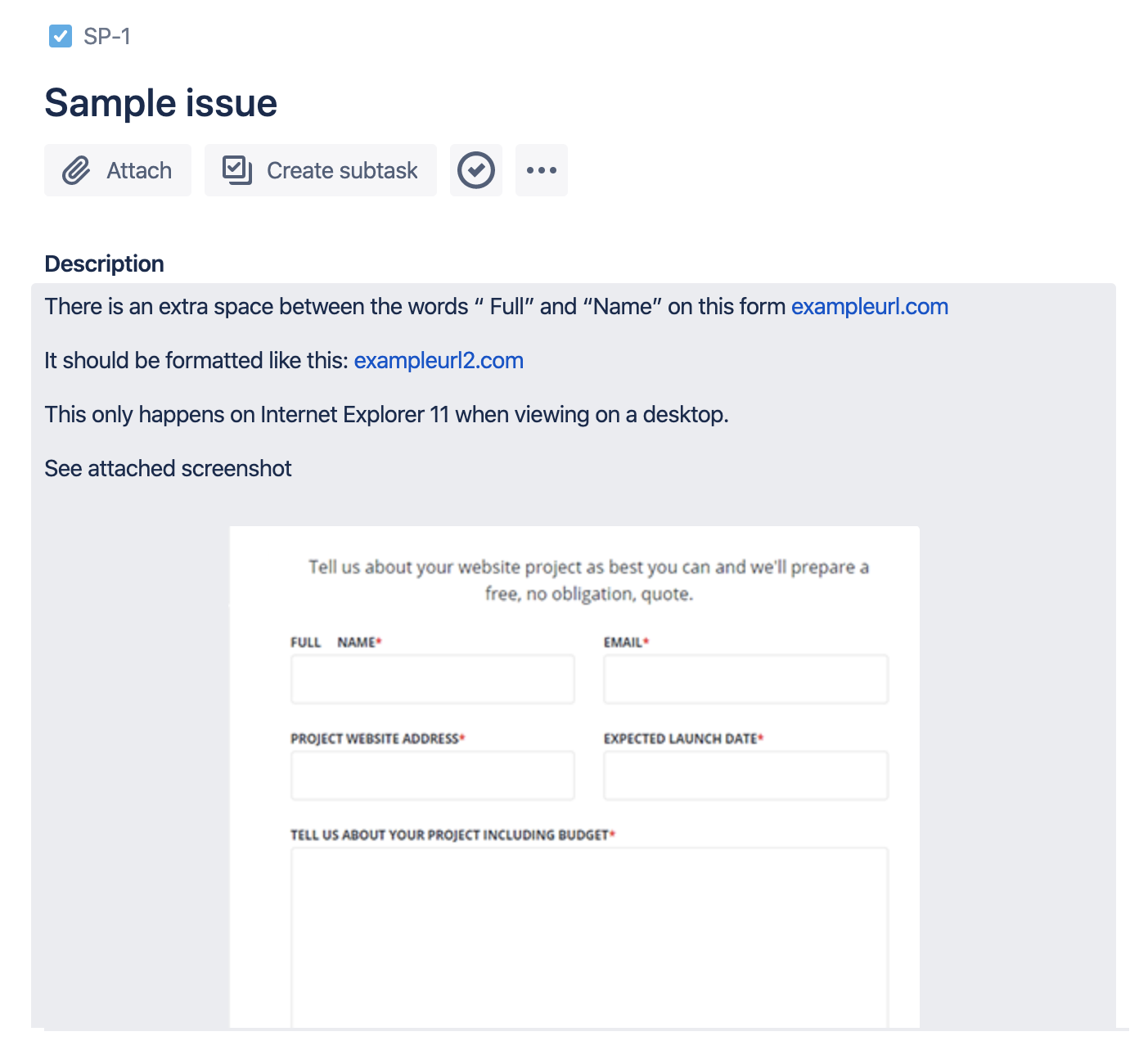
Example of a Well-Documented Jira Issue
A well documented issue should describe what has happened, how to reproduce it and what the expected outcome should have been. You can also add screenshots, videos and links and device information to provide additional context.
How to Prioritize Testing Issues in Jira
Testing Issues In Jira The first issues should be evaluated with the information available and how it impacts the project. Ensure that an item has clear descriptions, reproduction steps and evidence in support before moving it to Selected for Development. This provides the team with the context they need to make decisions on how to solve the problem within the testing window.
Jira Workflow for Managing Testing Issues
The best Jira workflow for software testing can be built around a simple progression:
Backlog → Selected for Development → In Progress → Review → Done
This workflow shows the status of each issue and lets the team communicate in Jira as the issue progresses through development and testing. Each project has its own columns.
Ready to Make Jira Testing More Organized?
Testing is an essential part of a successful launch. Taking the time to learn how to create, document, communicate, and track issues in Jira can help teams communicate clearly and get issues addressed within the testing timeframe.

Alex
Senior Project Manager
Alex Treen is the Senior Project Manager at Inorbital, specializing in member-based solutions. Alex oversees project lifecycles, ensuring timely and budget-conscious delivery of dynamic websites for a diverse clientele. He has over 10 years of experience managing digital projects with a background in Psychology and Web Design.