


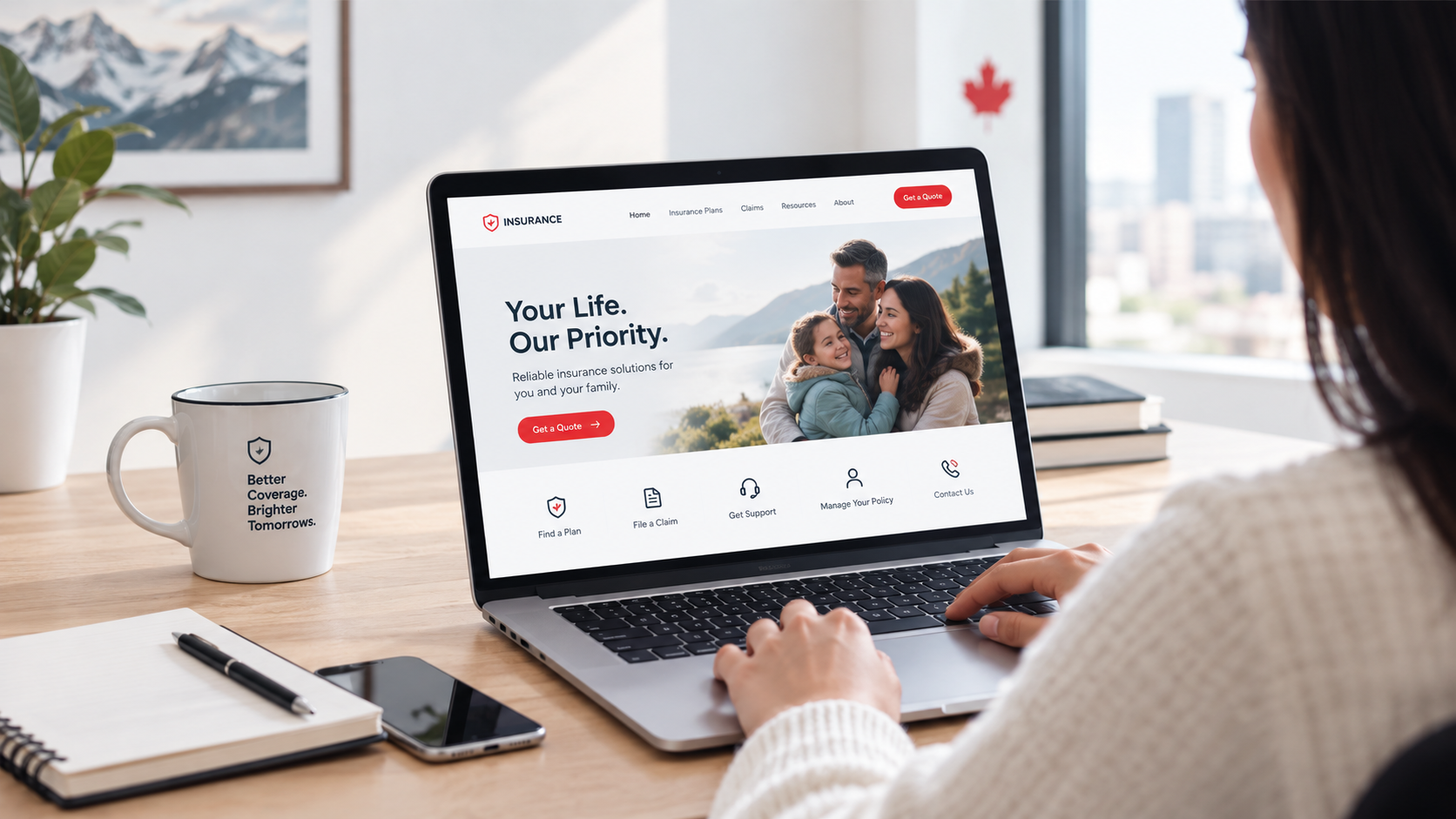
An insurance website has a difficult job: it needs to explain complex products while helping customers complete important tasks with as little friction as possible.
People visit insurance websites to compare coverage, request a quote, find policy information, make payments, submit claims, or contact the right team. If they cannot quickly find what they need, they may leave the site or contact support for something they could have handled online.
So, what features should an insurance website have?
A modern insurance website should combine clear navigation, self-service tools, personalized journeys, accessible design, secure account features, and integrations with the systems behind the website. These capabilities can make the insurance website customer experience easier for policyholders, and internal teams.
Here are six key features to consider when planning or redesigning an insurance website.
Core Elements of a Well-Designed Insurance Website
Clear Navigation and Task-Based User Journeys
Insurance websites often contain large amounts of information covering products, policies, claims, resources, FAQs, and support. A traditional menu structure can make it difficult for customers to know where to start.
A better approach is to organize the website around common customer tasks and make important actions easy to find.
The navigation should provide clear access to:
- Quotes
- Policies
- Payments
- Claims
- Claim status
- Customer support
- Insurance products
- Customer accounts
This task-based structure helps visitors move from a question to an action without having to understand how the insurance company organizes its internal departments.
Information architecture should also account for different customer groups, products, locations, and policy types.
Customer Self-Service and Secure Account Access
One of the most useful features an insurance website can offer is a secure self-service area.
Give policyholders a central place where they can complete common tasks without calling or emailing the insurance company.
Depending on the organization and its systems, this could include:
- Viewing policy details
- Updating profile information
- Accessing documents
- Making payments
- Starting or managing claims
- Checking claim information
- Requesting policy changes
- Viewing correspondence
- Managing communication preferences
A secure login, single sign-on, and connection to back-office systems can make these services easier to manage.
The website should also make account actions clear. Customers should know what they can do, what information they need, and what happens after they complete an action.
This is a key part of modern insurance website design features because the website becomes more than an information source. It becomes a working digital service channel.
Smart Quote and Product-Finding Tools
Insurance products can vary based on location, customer type, coverage needs, and other factors. Sending every visitor through the same generic form can create unnecessary steps.
A better approach is to guide customers toward the right product or quote path. Useful features can include:
- Product comparison tools
- Guided quote forms
- Location-based routing
- Product finders
- Eligibility questions
- Dynamic forms
- Calls-to-action based on customer needs
- Connections to third-party quote systems
The goal is to ask customers only for information that is relevant to the journey they are taking.
Quote and product-finding tools should use clear questions, logical steps, and relevant form fields. Dynamic functionality can adjust the journey according to the information provided by the user.
A well-structured quote journey can reduce unnecessary form fields and make it easier for customers to reach the appropriate product or service.
Mobile-Friendly and Accessible Design
Customers may visit an insurance website from a phone, tablet, laptop, or desktop computer. The interface needs to work across screen sizes and remain easy to use.
Responsive design should cover more than page layout. Forms, buttons, menus, documents, account areas, and other interactive features should also work well on smaller screens.
Accessibility is equally important.
A well-planned insurance website should consider:
- Keyboard navigation
- Readable text
- Appropriate colour contrast
- Alternative text for images
- Accessible forms
- Clear error messages
- Logical heading structures
- Screen-reader compatibility
- WCAG requirements
Accessibility should be considered during planning, design, development, and testing rather than treated as a final-stage task.
Following accessibility standards helps make digital insurance services easier to access and use for a wider range of customers.
Integrations With CRM, Policy, Payment, and Other Systems
The customer sees one website, but the insurance company may rely on several systems behind it.
These can include:
- CRM platforms
- Policy administration systems
- Quote engines
- Payment gateways
- Claims systems
- Document management platforms
- Identity and authentication services
- Analytics tools
Connecting these systems can help prevent customers from having to repeat information or switch between unrelated digital experiences.
Integration is therefore one of the most important insurance website design best practices for organizations with complex technology environments.
A strong integration strategy should consider data flow, security, authentication, system compatibility, performance, and maintenance requirements.
The right integration approach depends on the insurance company's existing technology stack, business processes, security requirements, and customer journeys.
Personalized Content and Relevant Digital Experiences
Insurance customers do not all need the same information. Their requirements can vary based on products, policies, locations, customer types, and stages of the insurance journey.
Personalization can help direct users toward content and services that are relevant to their needs.
Key areas can include:
- Location-based content
- Product-specific landing pages
- Customer group pages
- Personalized account areas
- Relevant quote paths
- Language selection
- Targeted calls-to-action
- Content recommendations
Personalization should be based on useful customer information and clear business requirements. It should also respect privacy, consent, and data protection requirements.
When personalization is connected to the customer's needs, it can reduce unnecessary navigation and help visitors reach relevant information and services more efficiently.
```html
What Should an Insurance Website Have?
| Feature | Customer benefit | Business benefit |
|---|---|---|
| Clear navigation | Finds information faster | Fewer unnecessary support requests |
| Self-service portal | Handles common tasks online | Reduces manual administration |
| Quote tools | Guides customers to the right path | Supports lead generation |
| Responsive and accessible design | Easier access across devices | Serves a broader audience |
| System integrations | Reduces repeated data entry | Connects digital operations |
| Personalized journeys | Shows relevant content | Supports targeted customer journeys |
How to Apply Modern Insurance Website Design Best Practices
A successful insurance website starts with customer needs rather than a list of technologies.
Before redesigning a website, identify the customer journeys that matter most. Map the key stages, actions, information requirements, and potential points of friction within each journey.
Journey mapping helps teams identify where customers face unnecessary steps. It also helps determine which features should be handled directly through the website and which should connect to existing systems.
The process should cover customer research, information architecture, UX planning, content structure, technical requirements, integrations, accessibility, security, and ongoing website management.
Planning a Customer-Friendly Insurance Website
A strong insurance website should make it easier for customers to find information and complete important tasks. Clear navigation, self-service, smart quote tools, accessible design, integrations, and relevant content can form the foundation of that experience.
If your current website makes customers work too hard to find information or complete common tasks, it may be time to review the customer journeys behind the site.
Inorbital provides custom insurance solutions that help organizations plan, design, develop, and connect digital experiences based on their customer and business needs.